FREE TOOL · STRATEGY
Gold Breakout Levels Calculator
Enter yesterday's high and low and today's open to get today's buy and sell breakout levels for XAUUSD, the stop, the risk, and whether the day passes our two filters.
Free, no login, nothing is stored or sent: the calculation runs in your browser. For education only, not financial advice.
How daily breakout levels work
Gold often picks a direction early in the day and keeps going. A volatility breakout uses yesterday's range to decide how far price must move from today's open before it counts as a real move:
buy level = open + 0.7 × (yesterday's high − low)
sell level = open − 0.7 × (yesterday's high − low)
The first level touched decides the direction. The stop sits at today's open, so the risk equals 0.7 × yesterday's range. Wide days give wide levels, quiet days give tight ones.
When breakouts fail: two filters
In our 2012–2026 tests on gold, two kinds of days lost money for breakouts in both test periods:
- Big US news days (Nonfarm Payrolls, CPI, Fed decisions): spikes push price through a level and straight back to the stop.
- The day after a huge range day (more than 1.5× the 20-day average): the levels end up far away and the stop very wide.
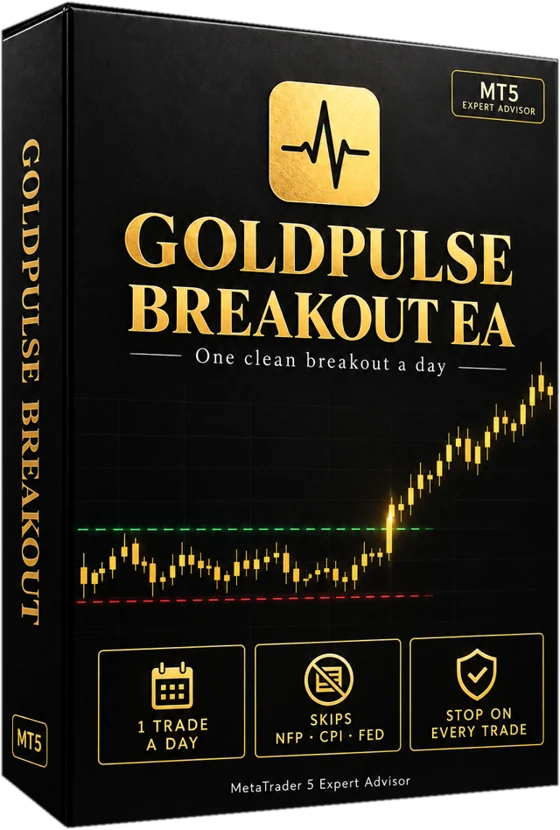
Breakout EA v2.0 skips both. Add the 20-day average and tick the news box above to see whether today would be traded.
Which "day" to use
Use your broker's daily candles (server time), as MetaTrader shows them. Brokers in different time zones draw slightly different daily candles, so levels can differ a little between brokers.
FAQ
Questions about this tool
Is this the same rule Breakout EA uses?+
Yes: open ± 0.7 × yesterday's range, stop at the open, and the two day filters. The EA also skips the first 30 minutes after the daily open, avoids wide spreads, takes only the first touch and closes by 21:00 server time.
Can I trade these levels by hand?+
You can, but the edge in our tests was small and came with long losing streaks. Following the rule every day without exceptions is the hard part, which is why we automated it.
Where do I find yesterday's high and low?+
In MetaTrader 5, open an XAUUSD D1 chart and hover over yesterday's candle, or use the Data Window (Ctrl+D).
LAUNCHING EARLY 2027
Get the live results by email
Monthly demo results, the AI Observer scorecard and the launch price first. About one email a month.
No spam, unsubscribe any time. Privacy policy.